
Yksityinen - Paikallinen - 2-vaiheinen putki
Pudota valokuva, suorita paikallinen tekoälytaustan poisto, vertaa tulosta ja vie läpinäkyvä PNG- tai WebP-muoto ilman pakollista pilvipalvelun työnkulkua.
Hiljattain avatut kuvat näkyvät tässä.
Kokeile esimerkkiä
Todelliset tulokset
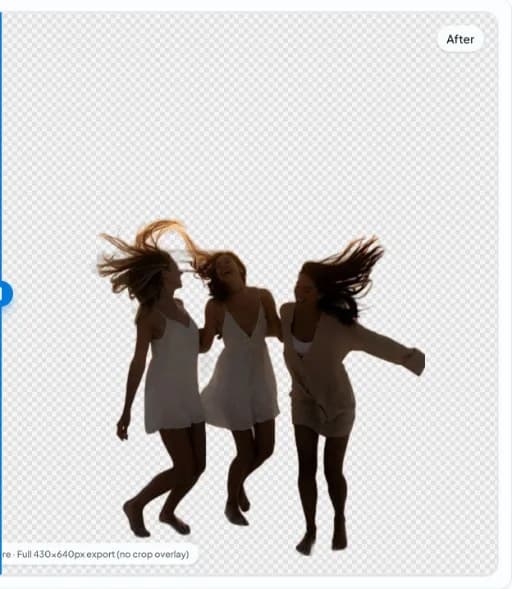
Ennen/jälkeen nobg.eu-sovelluksen avulla
Kuvakaappausvertailuja selaimessa olevasta editorista - muotokuvia, turkiksia, lasia, ryhmiä ja ahtaita kohtauksia, joissa on lasiesineitä ja hienoja reunoja. Avaa mikä tahansa kortti koko esimerkkisivua varten.
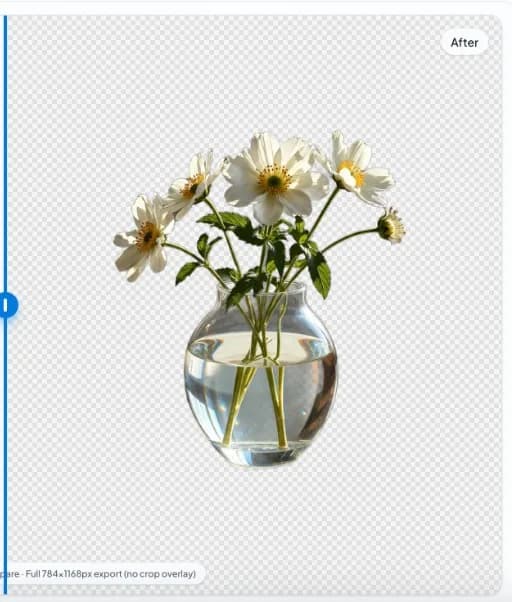
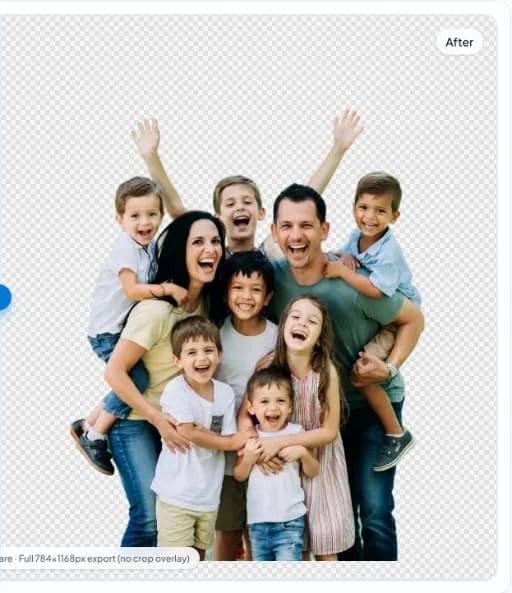
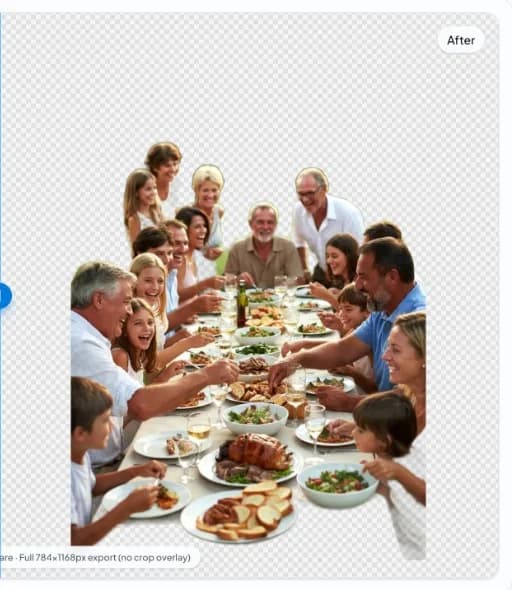
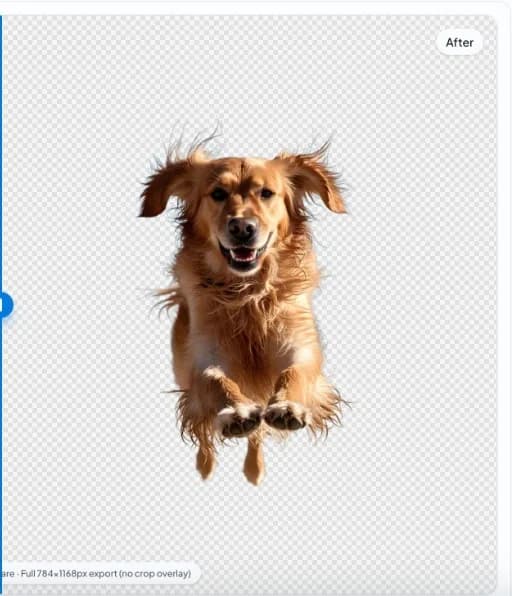

Taustan poisto ensin yksityisyyden suojaa kunnioittaen
Sama lopputulos, jonka monet pilvityökalut lupaavat - ilman, että kuva lähetetään palvelimelle.

Kuvatiedoston ei pitäisi olla verkkopyyntö
Monet työkalut lähettävät valokuvasi pois, odottavat palvelimella ja lähettävät sitten tuloksen takaisin. nobg.eu tekee päinvastoin: työ tapahtuu selaimessasi, laitteessasi, ja vienti pysyy omana tietonasi - ei pilviprosessointivaihetta välissä.
- Mitään ei lähetetä palvelimillemme muokattavaksiLeikkaukset luodaan selaimessasi, eikä niitä luovuteta etätyöntekijälle.
- Ei pilvipalvelun projektitallennustaEmme rakenna kirjastoa kuvauksistasi taustalla.
- Ei tiliporttiaVähemmän tunnistetietoja, vähemmän syitä synkronoida työsi tuotetietokantaan.
- Istunnon paikallinen muokkausEmme rakenna pilviluetteloa projekteistasi. Katso tietosuoja- ja evästekäytäntömme siitä, miten verkkosivustoa käytetään.
Selkokieli
Jos et lähettäisi valokuvaa sähköpostitse tuntemattomalle, sinun ei pitäisi joutua lataamaan sitä vain saadaksesi läpinäkyvän PNG-tiedoston. nobg.eu on tarkoitettu kaikille, jotka haluavat hiotun leikekuvan ja yksinkertaisen tarinan: tiedostosi pysyy sinulla.
Käytämme edelleen julkista verkkosivustoa, joten tavanomaiset oikeudelliset ja tekniset realiteetit ovat voimassa: katso meidän Tietosuojakäytäntö ja Ehdot kokonaiskuvaa varten.
Rakennettu valokuville, joita et laittaisi jaettuun asemaan.
Sama yksityisyyden suojaa koskeva tarina pätee riippumatta siitä, onko kyseessä muotokuvan korjaaminen vai tuotteen eristäminen - muuttuu vain se, kuinka kalliiksi vuoto tulisi.
01
02
03
04
Selainpohjainen tekoäly, joka toimii laitteellasi
nobg.eu lataa nykyaikaista tekoälyä välilehdellesi - kuten muutkin verkkosovellukset lataavat koodia - ja ajaa sitä paikallisesti. Kun selaimesi ja laitteistosi tukevat sitä, grafiikkasuorittimen kiihdytys pitää muokkaukset reagoivina; muussa tapauksessa sama turvallinen, laitteessa tapahtuva työnkulku toimii edelleen selaimessa.
- Paikallinen tekoälyKäsittely jää istuntoosi, ei palvelimillemme.
- GPU-kiihdytettyKäyttää grafiikkalaitteistoa, kun se on käytettävissä, ja tuottaa nopeita tuloksia.
- Suoritetaan laitteessaToimii nykyaikaisilla selaimilla ilman työpöytäohjelmiston asentamista.
Visuaalisen prosessoinnin kulku
Lataa kuva -> Paikallinen AI-käsittely -> Taustan segmentointi -> Läpinäkyvä PNG-vienti.
Vaihe 1
Lataa kuva
Vaihe 2
Paikallinen tekoälyn käsittely
Vaihe 3
Taustan segmentointi
Vaihe 4
Läpinäkyvä PNG-vienti
Miksi käyttää paikallista taustan poistoa?
Pilvityökalut
Selain/lokaalit työkalut
Upload-first-työnkulku
Ei latauksen käsittelyvirtaa
Jaettu palvelimen käyttöaika ja jonot
Toimii paikallisesti laitteistossasi
Ulkoisen tiedon käsittelyn riippuvuus
Kuvan elinkaaren suora hallinta
Suorituskyky vaihtelee etäkuormituksen mukaan
Välitön käsittelyn aloitus selaimessa
Suoria vastauksia
Lähetetäänkö kuvia?
Ei. Taustan poisto käsitellään paikallisesti selainistunnon aikana. Lähdekuvaa ei ladata palvelimillemme muokattavaksi.
Onko taustan poistaminen yksityistä?
Kyllä. Tuote on rakennettu yksityisyyden suojaa korostavaan muokkaukseen selainpohjaisella tekoälyllä, eikä kuvaa käsitellä pilvipalvelussa.
Toimiiko tämä offline-tilassa?
Ensimmäisen latauksen jälkeen selaimesi voi tallentaa monia kohteita välimuistiin. Alkuasennus vaatii yleensä internetin, ja täydellinen offline-käyttäytyminen riippuu selaimesta ja laitteesta.
Miten tämä eroaa remove.bg:stä?
Monet työkalut ovat pilvipalveluja, jotka lataavat kuvat ensin. nobg.eu keskittyy selaimen paikalliseen käsittelyyn, joten voit poistaa taustoja lähettämättä kuvatiedostoja etä-API:hen.
Tallennetaanko tietoni?
nobg.eu ei ole pilvivalokuvakirjasto. Emme tallenna työkuviasi taustan poistamista varten.
Miksi käyttää paikallista tekoälyä?
Paikallinen tekoäly mahdollistaa vahvemman yksityisyyden suojan, nopeamman toiminnan hyvillä laitteistoilla ja vähemmän huolta tietojen jakamisesta.
Käyttämällä nobg.eu-sivustoa hyväksyt seuraavat seikat Ehdot ja Tietosuojakäytäntö.